Get Your Email Into Help Scout
If you are using your own domain email address with Help Scout, you will need to set up forwarding or redirection from your email provider to get that email in to Help Scout. You will be forwarding or redirecting that email to the Help Scout email address you created when you created the Inbox, e.g. support@jg-clothing.helpscoutapp.com.
Help Scout Administrators and Account Owners have access to connect your domain email addresses.

In this article
Connect Your Domain Email Address
Head to Settings (gear icon) > Inboxes > [Choose Your Inbox] > Connect Email & Social.
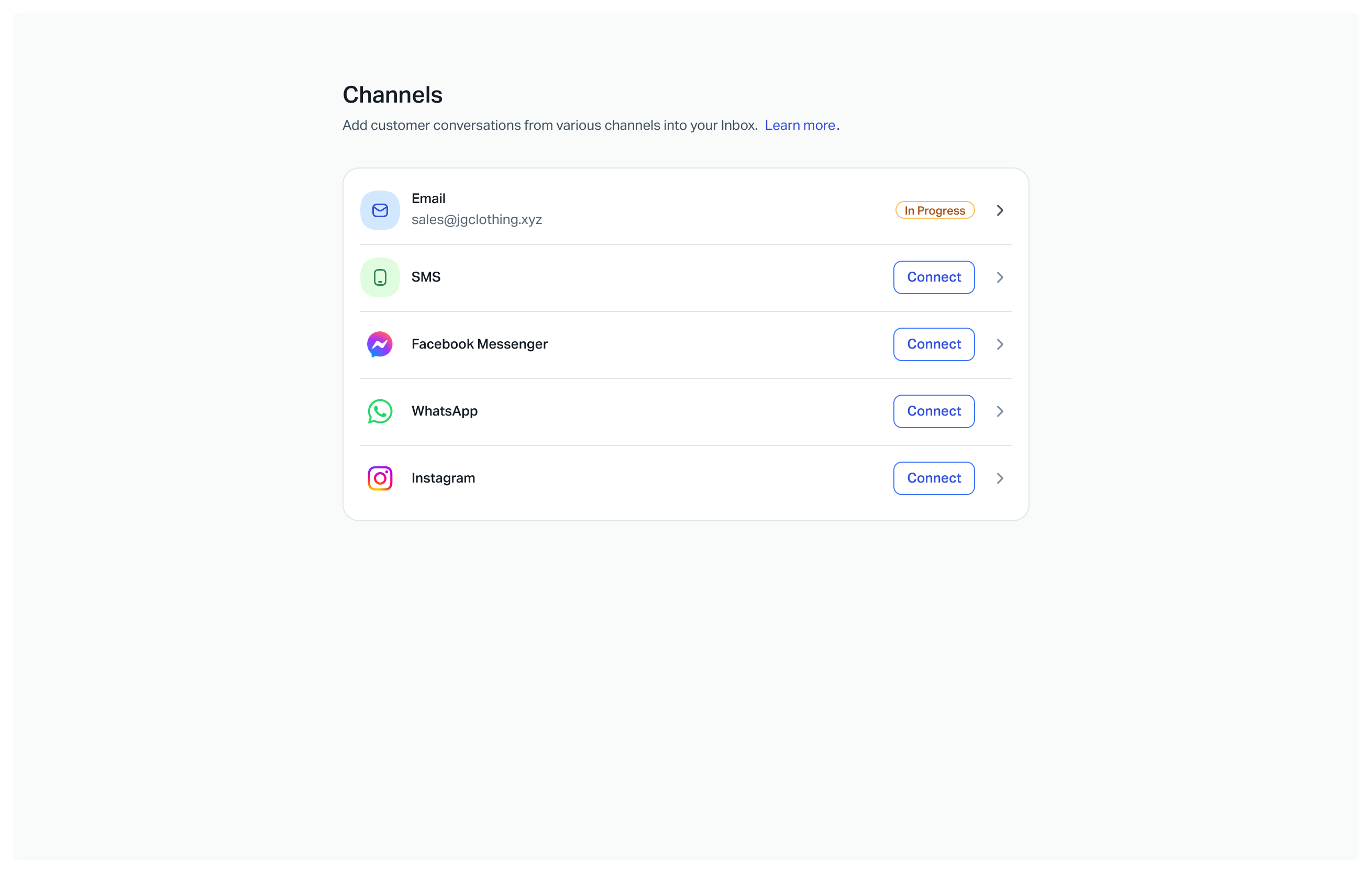
Enter your domain address and click Connect Email.
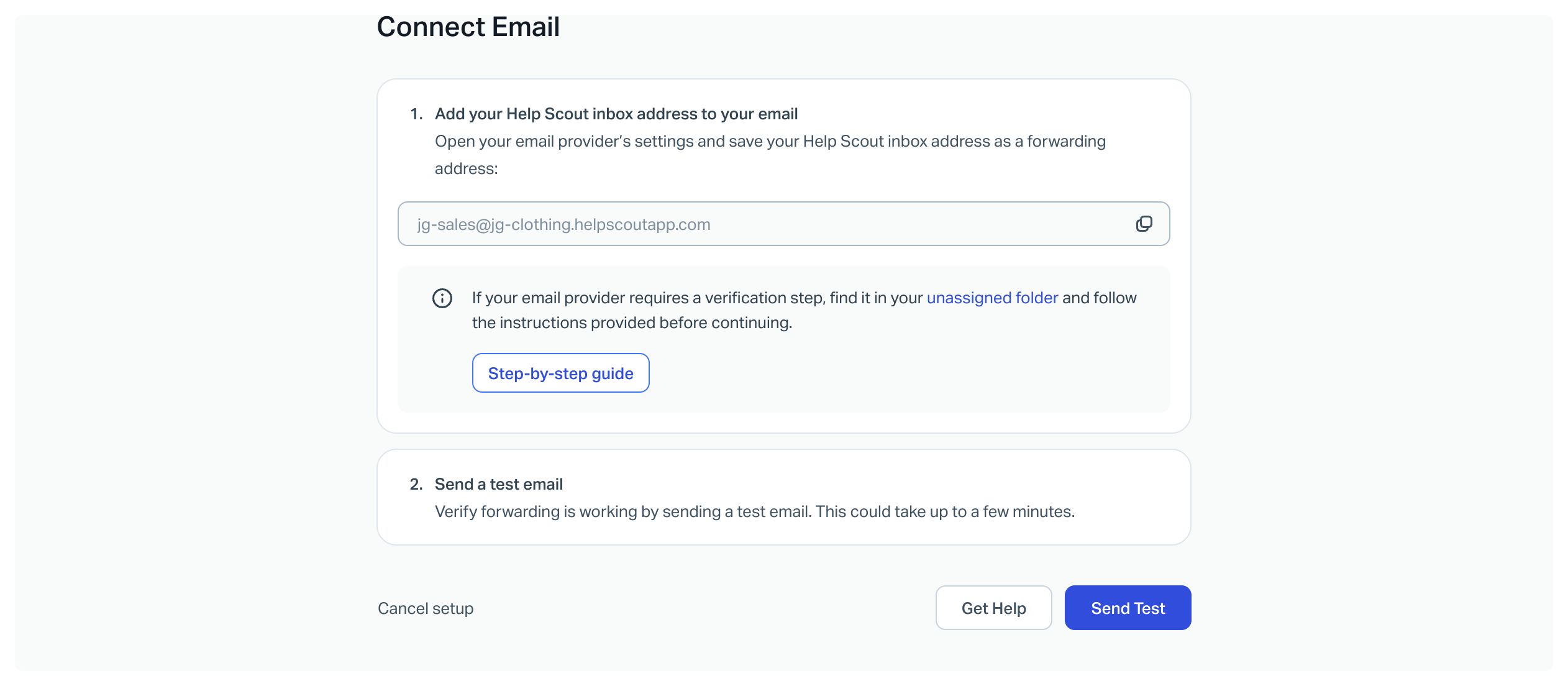
Click Copy to copy the Help Scout Inbox address to your clipboard, then head to your email provider to set up that email to forward to the Help Scout Inbox address.
Got that address but don't know how to forward from your email provider? We probably have you covered!
Check out Forward Your Shared Email in to Help Scout for links to guides and help for many different email providers.