What is Self Service?
For many, business is global now, and your customers need help round the clock. However, it's most likely your team isn’t online 24 hours a day, so there’s no way customers to get immediate help from a human. In that moment they can either wait a day for an answer to their email and lose momentum, or try to find the answer themselves.
Self service is a way to describe any way customers can find answers or solve problems on their own without needing to contact your team. It is the center of your overall support, giving people great experiences while helping your team scale in a manageable way.
Tools for Self Service
When someone's looking for help, the goal is simple: get them help and move them forward as quickly as possible. There are many different ways to provide self-service help to customers, and can contain one or all of these different elements:
- A searchable knowledge base.
- In-app messages, tooltips, or walkthroughs that guide customers while they're using your product.
- AI chatbots that can route questions, surface relevant articles, or answer questions automatically.
- Community and forum spaces where customers share answers and best practices.
- Step-by-step video tutorials and product tours.
There are plenty of ways that your team can provide great self service support to your customers, and a few tools included in your Help Scout account to help you with that.
Knowledge Base
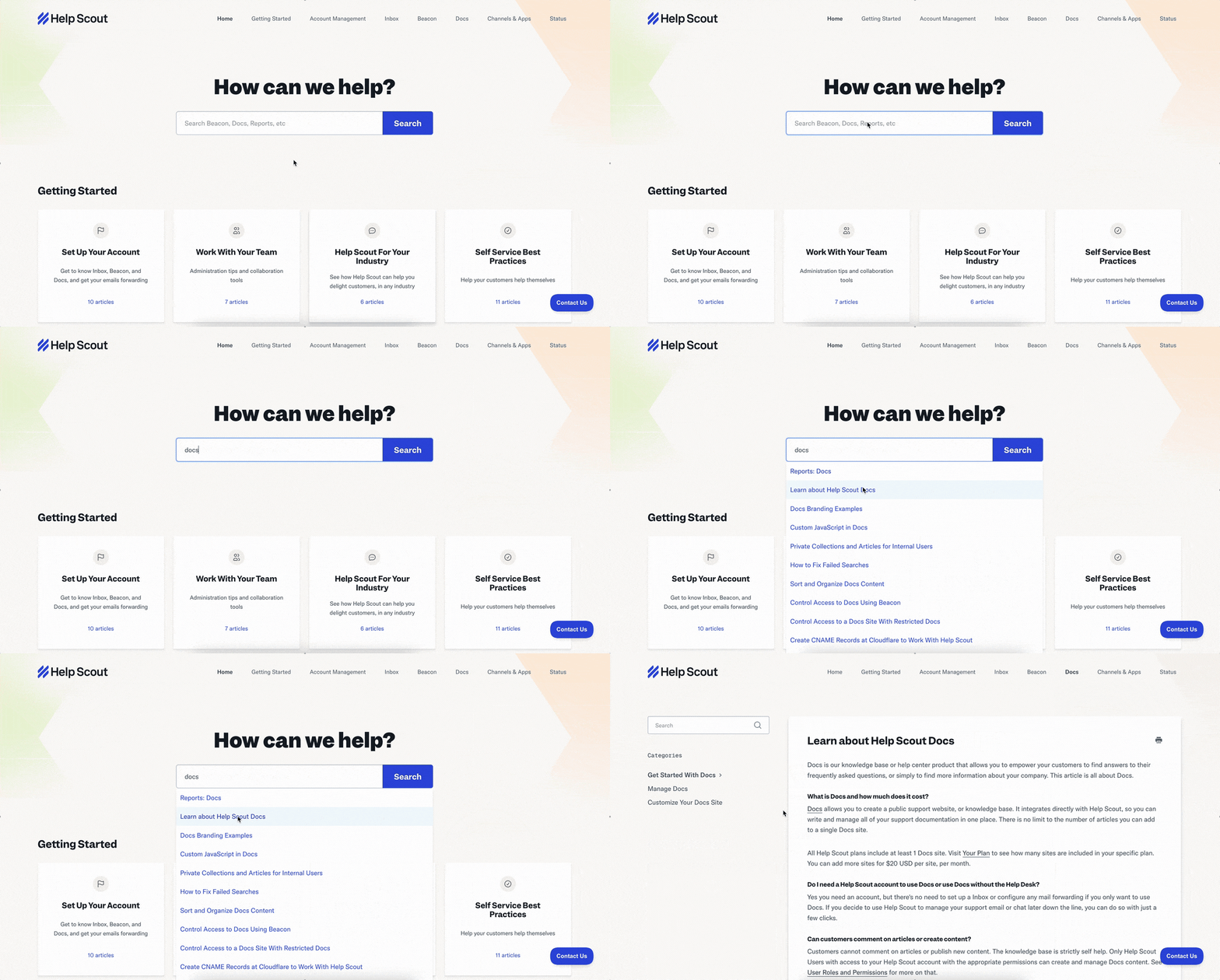
A knowledge base is the core of every good self-service strategy. It gives people a clear, searchable repository of documentation detailing how your product, service, or systems work. A knowledge base also helps your team be more efficient, enabling them to share help articles in email replies instead of typing out every how-to step every time someone asks for instructions.
In Help Scout we call that Docs, and you can have your own knowledge base up and running very quickly.
Beacon
Beacon is an embeddable widget, included in all Help Scout plans, that can be added to your website or app. With a Beacon embedded on your website, you will be able to easily provide a contact form to site visitors, offer live chat, display help articles from your Docs site, help website visitors with AI, and show proactive messages anywhere your Beacon is installed.
AI Chatbot
Chatbots have grown in recent years, moving far beyond basic decision trees and simple responses. Today’s AI chatbots can better understand the questions they are asked, search your content quickly, and provide detailed, conversational answers.
This means a bot can now handle simple, repetitive questions before they reach your inbox, which frees up your team to spend their time on more complex customer needs. Help Scout's chatbot is called AI Answers, which is a part of Beacon, that you can put your website to help customers directly there. AI Answers only uses your information to provide the most accurate answers possible to help people in the moment they need it the most.
In-App Messages
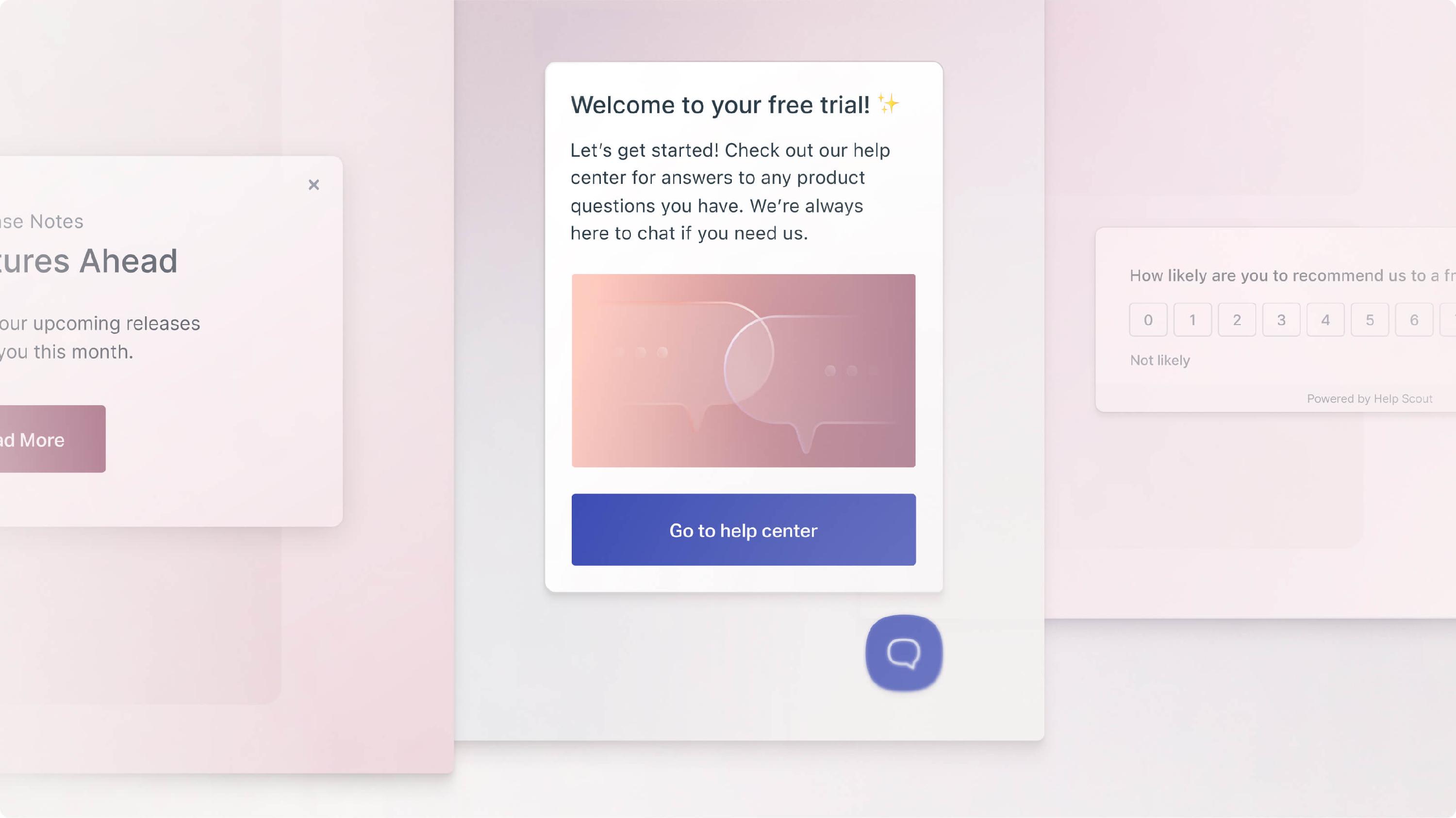
When help is needed, it’s best if people don’t have to search for it, and in-app (or website) help is a great example of that. By having a message appear for things such as tooltips, walkthroughs, and contextual messages directly into your app, customers always have resources right at their fingertips.
The same concept can exist on your website as well, having a proactive message appear on your website where you know people might need a bit of extra help. Wherever you have a Beacon installed, you can display Messages.
Further Self Service Resources
- For Education
- For Ecommerce
- For Healthcare
- For Logistics
- Why a Knowledge Base Matters
- Help Website Visitors with AI
Want to explore further? We have all of Help Scout's AI resources gathered in one place for you to learn.