Manage Scout Behavior
Scout’s Behavior settings tell Scout about your company and the people it talks to. You can also choose how long Scout’s replies are, how formal they sound, and whether they include emoji.
In this article
Set Your Company Information
Go to Scout > Manage, then click Settings under Behavior.
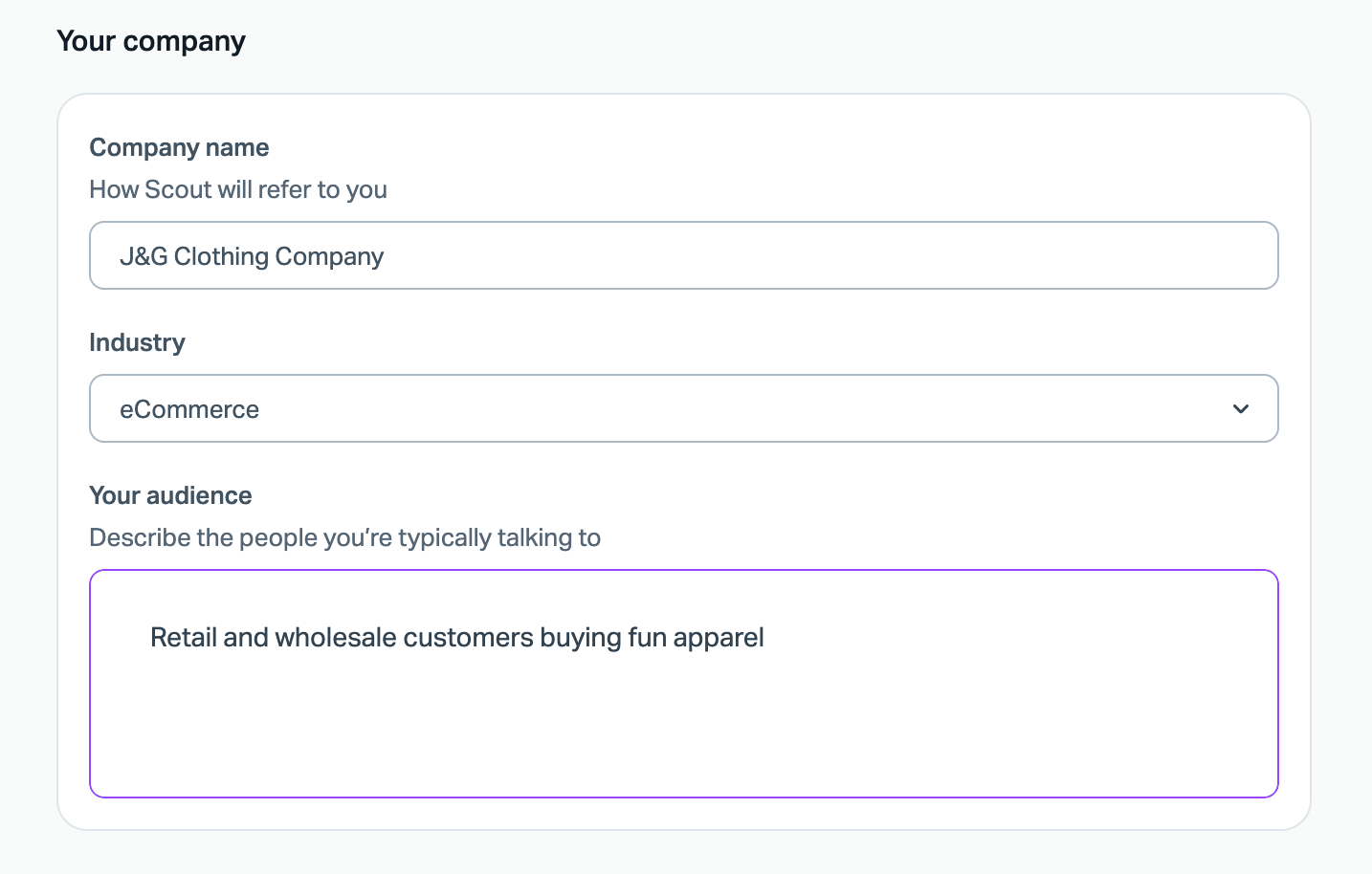
Company name
Enter your company name the way you want Scout to say it to customers.
Industry
Choose the industry that best fits your business from the dropdown menu.
Your audience
Describe the people who usually contact you. A short description works well. For example: Retail and wholesale customers buying fun apparel.
These settings shape how Scout talks to customers, but they don't add to what Scout knows. To give Scout new information to use in answers, add it as a Text knowledge source. See Manage Scout Sources for help there.
Adjust Scout’s Reply Style
In the same settings page, there are options to adjust the style.
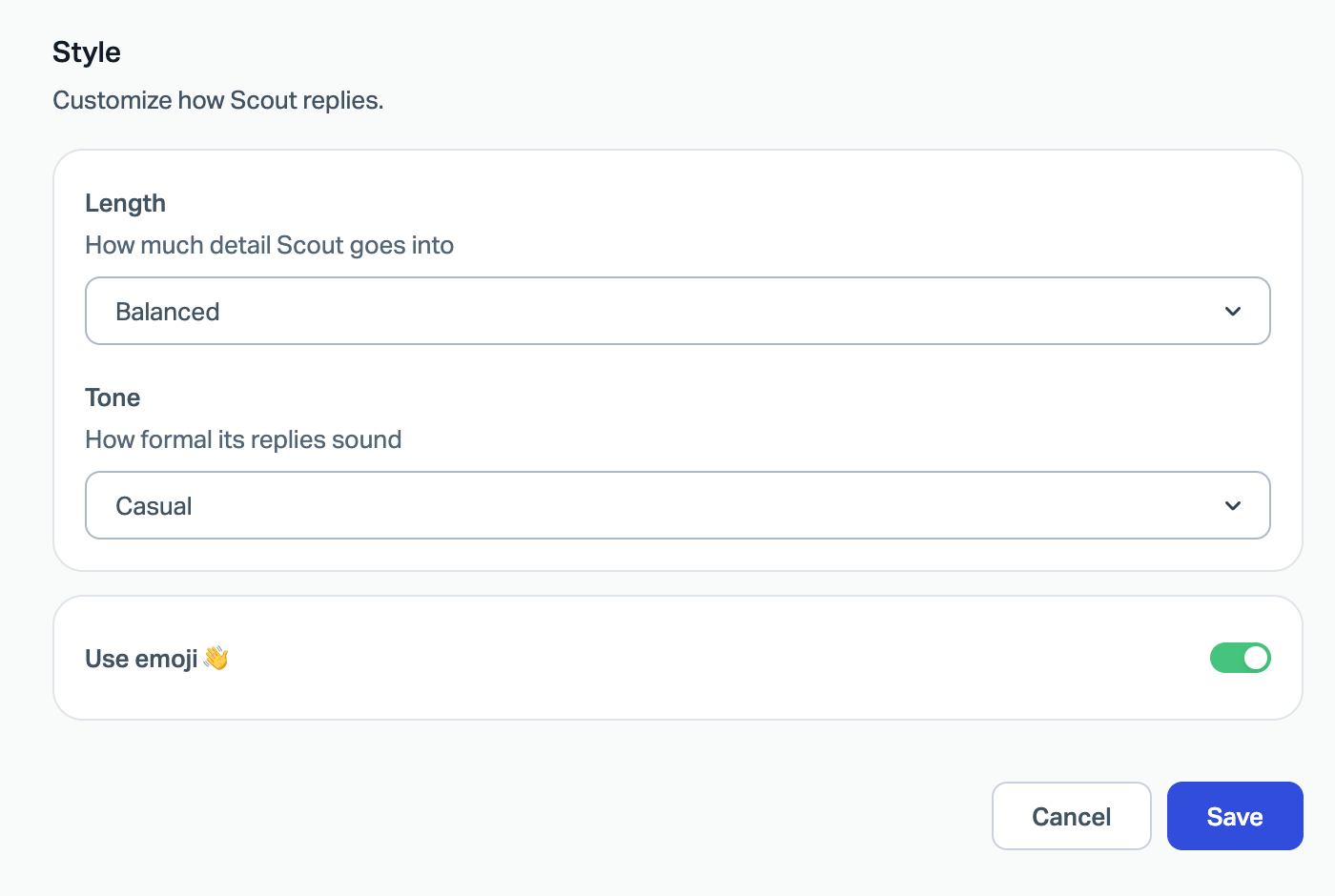
Length
Choose how much detail Scout puts in its replies.
Tone
Choose how formal Scout’s replies sound.
Use emoji
Turn this toggle on to let Scout use emoji in its replies, or turn it off to leave them out.
Click Save when you’re done.